
Emergency register planning
The right person.
A different assembly point.
A planned assembly point and the place somebody is accounted for are not always the same. Rehearse how your register and authorised team handle that difference.
Distinguish the plan from the confirmation
In a fictional practice drill, Jamie Example is expected at the east assembly point but reaches the west point. The east-point lead cannot see Jamie. The west-point lead can. Treating the planned group as the complete truth would leave an unnecessary uncertainty.
The software should help authorised staff record where somebody has actually been accounted for while retaining the useful planning context. It does not decide evacuation routes or tell somebody to move between points. Those decisions belong to the site's emergency procedure and responsible team.
Use one incident picture across devices
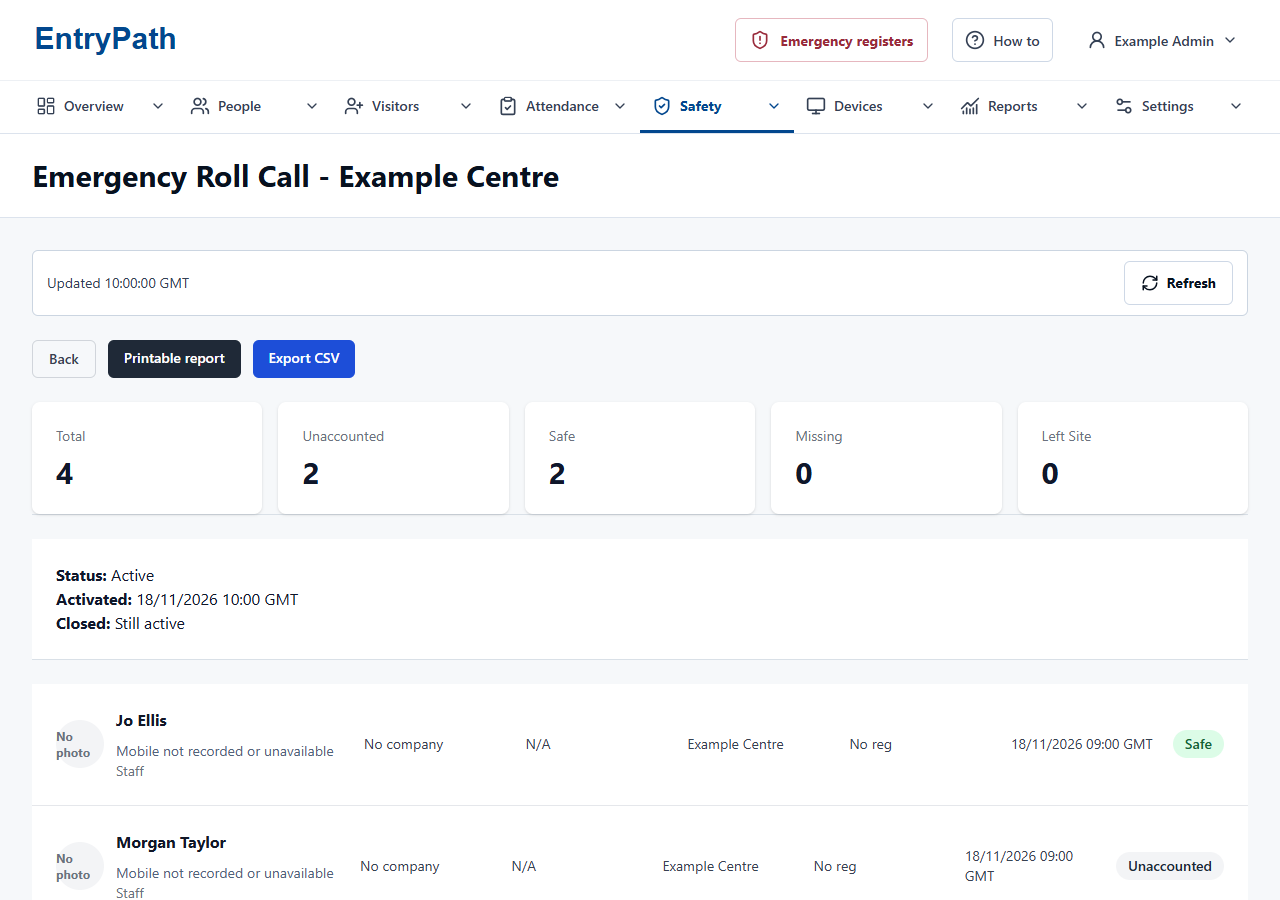
EntryPath supports connected authorised emergency devices sharing roll-call decisions. Test the same fictional incident on devices at different assembly points so staff can see how a confirmation appears elsewhere.
Nomination as an assembly-point lead is not a new login or permission. The colleague still needs an already authorised emergency device. Check that arrangement before the drill, including a deputy and a practical communication fallback.
Rehearse the different-point case
- Find the person: search the existing incident register and check identity, including similar names.
- Record the observation: the authorised person follows the site's confirmation procedure at the point where the person is accounted for.
- Check the shared result: on another connected device, verify the updated decision and relevant location are visible.
- Resolve uncertainty: follow the site's coordination process if two accounts of the situation disagree.
Do not create a second person simply because the expected point differs. A filter is a way of viewing the register, not a reason to ignore somebody outside that filtered group.
Include competing confirmations
Ask two authorised colleagues to open the same fictional person before either confirms them. Then act on the two devices and examine the result. A good drill checks that the team notices an updated or stale view rather than assuming every screen is current.
Record the steps and any confusing feedback for review. Keep a rehearsal separate from a real emergency and never mark somebody safe without checking. The EntryPath demonstration uses fictional people so you can explore these scenarios.
Make connection loss part of the brief
Connected updates need a working connection. A protected offline copy is timestamped, read-only and unable to receive later confirmations while disconnected. It must not be presented as a live shared register.
Check connectivity at the actual assembly points and agree an independent fallback under the site's procedure. The offline planning guide covers the information a saved copy can and cannot provide.
Review the drill, not just the final count
This is a register rehearsal, not a replacement emergency plan. UK government guidance describes the wider evacuation arrangements. Use your approved procedure and competent advice for site-specific decisions.
Keep exploring
A useful next read.
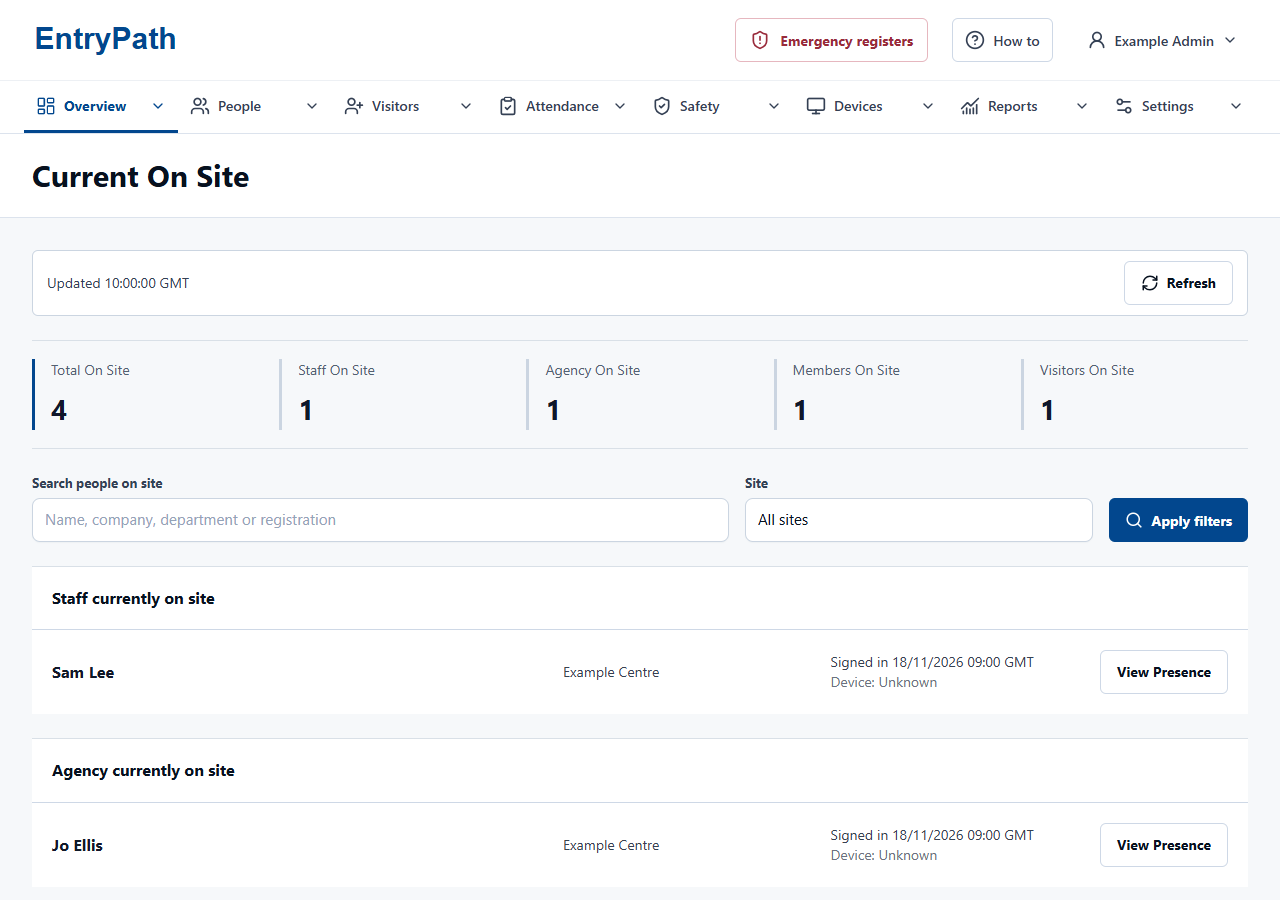
They are here. Their name is not.
Review identity, filters and duplicates before adding someone to an emergency register.
Read the guide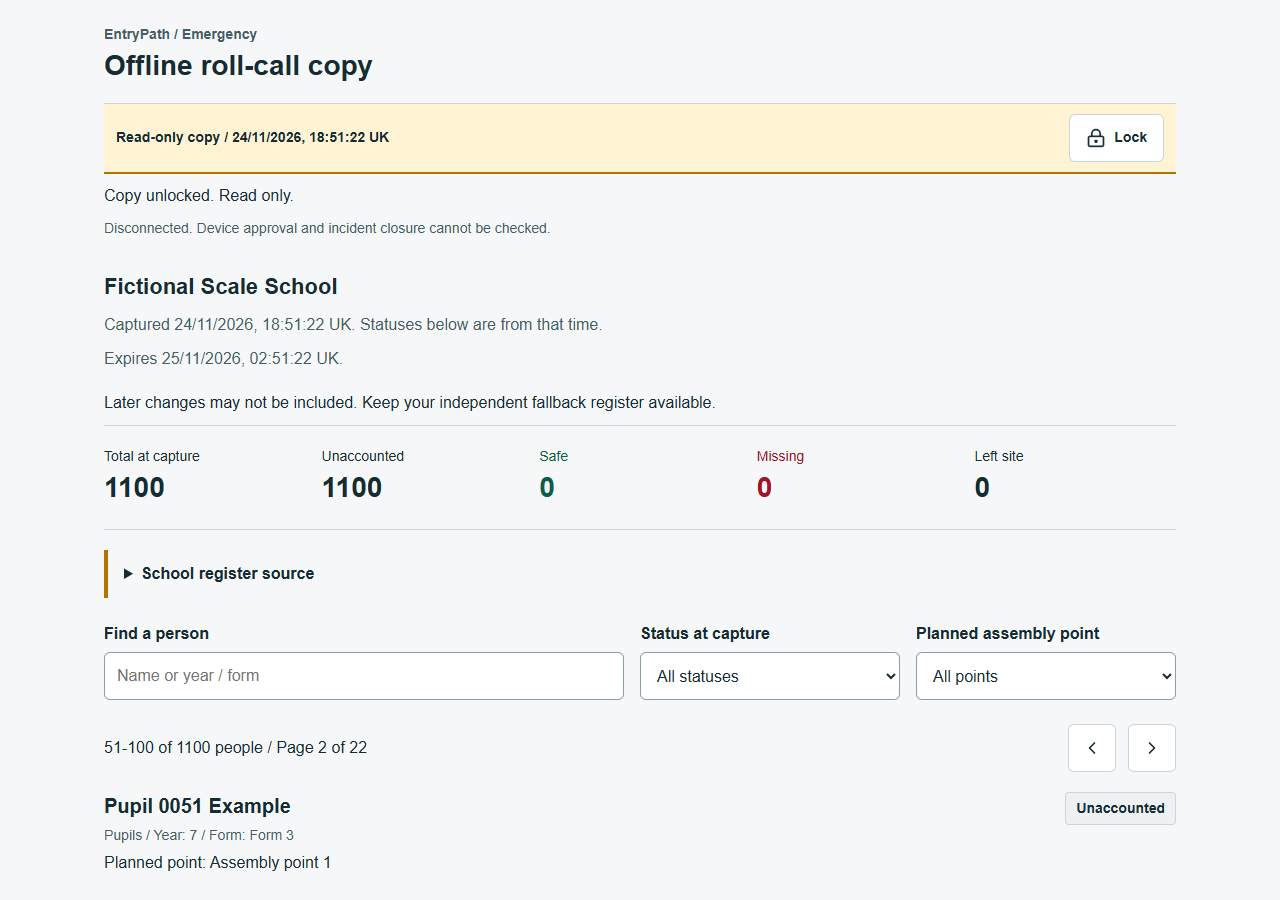
When the connection goes, what can you see?
Plan for live information, a protected saved copy and an independent fallback.
Read the guide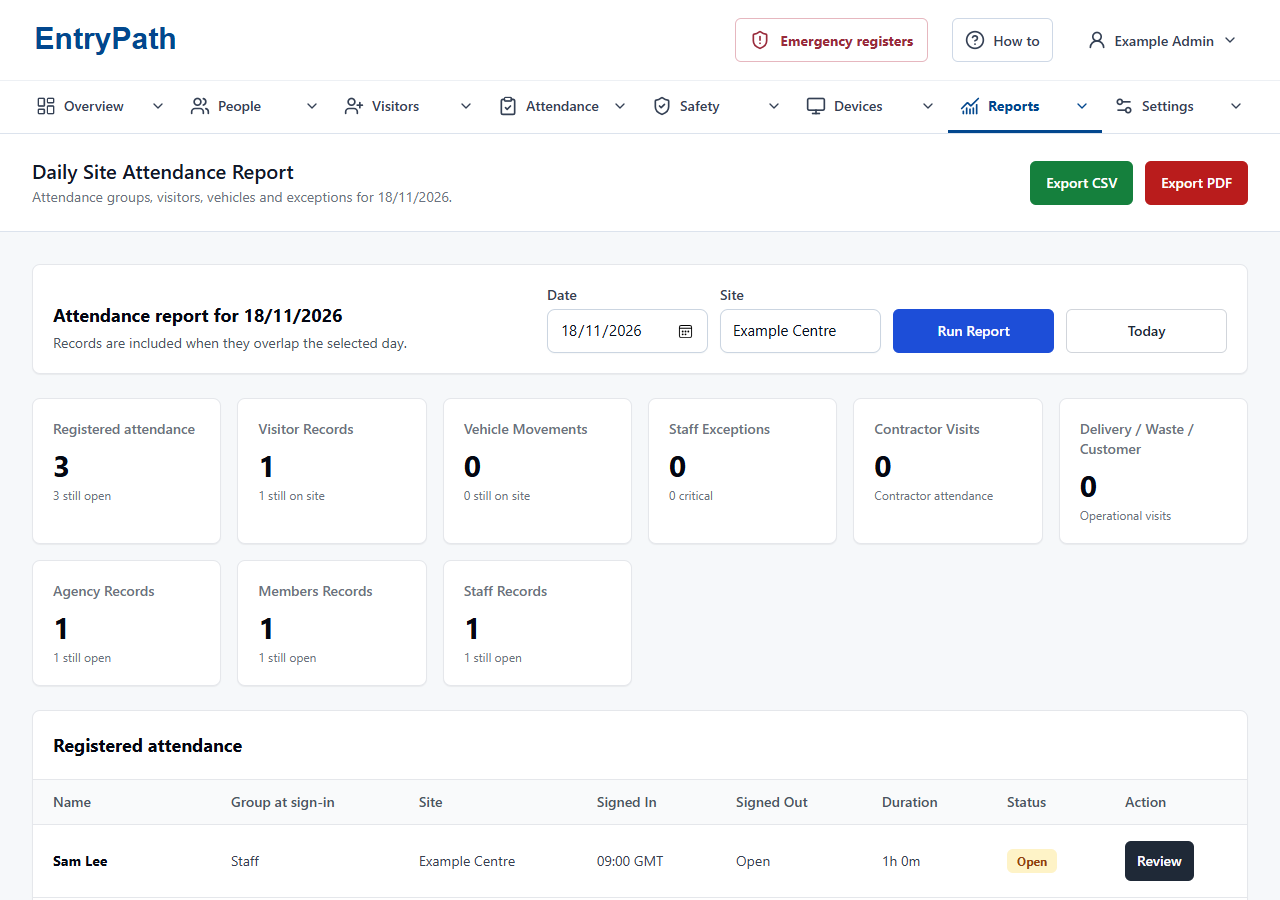
The drill is over. What did you learn?
Turn register exceptions into specific actions with owners and a useful retest.
Read the guideRehearse the awkward cases.
Explore a shared roll call across assembly points with fictional records.