
Visitor management
Visitor management
Give visitors a clear route through reception. Collect the details your organisation needs, present the current site rules and record their arrival in EntryPath.
Example journey
Nina visits reception
- Sign in
- Nina Patel names her host, Sam Cole, and acknowledges the visitor rules.
- Visitor register
- Nina PatelVisitor · Visiting Sam Cole · Signed in at 09:05
- Sign out
- Nina signs out. Reception can now see both times in her visit history.
A better arrival. A clearer record.
Less friction.
More visibility.
- Branded visitor badges
- Configurable visitor categories
- Optional visitor photos
- Searchable visit history
How it works
Collect what matters
Set email, phone, vehicle registration and visit purpose as hidden, optional or required for each visitor category. Keep the journey relevant to the visit.
Recognise returning visitors
Reuse remembered contact details and an existing photo where available. Visitors can correct their details and must acknowledge the current site rules each visit.
Keep reception informed
See who has arrived, who they are visiting and when they leave. Connect your email service to enable optional arrival notifications for hosts.
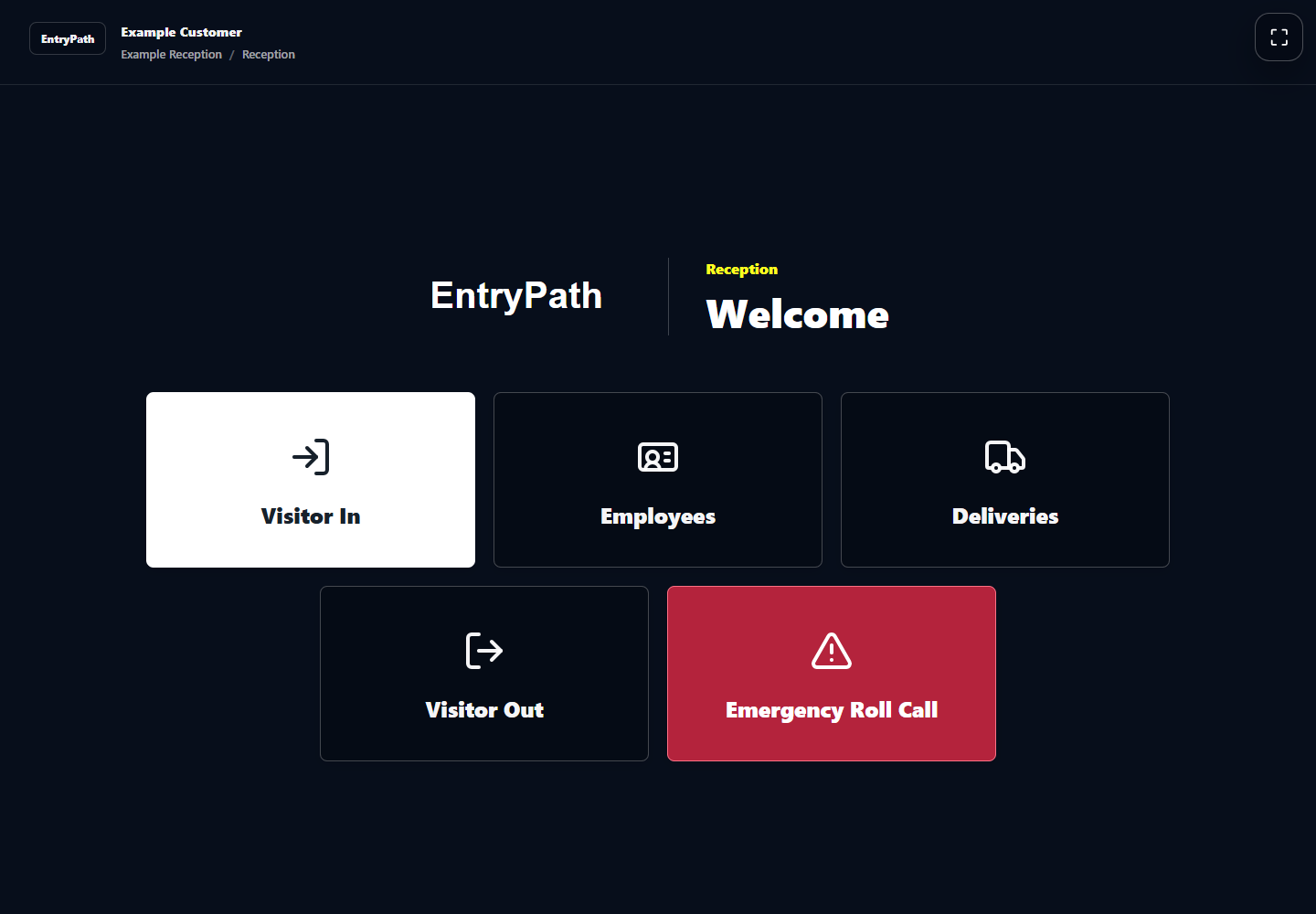
Inside EntryPath
An arrival that feels like you.
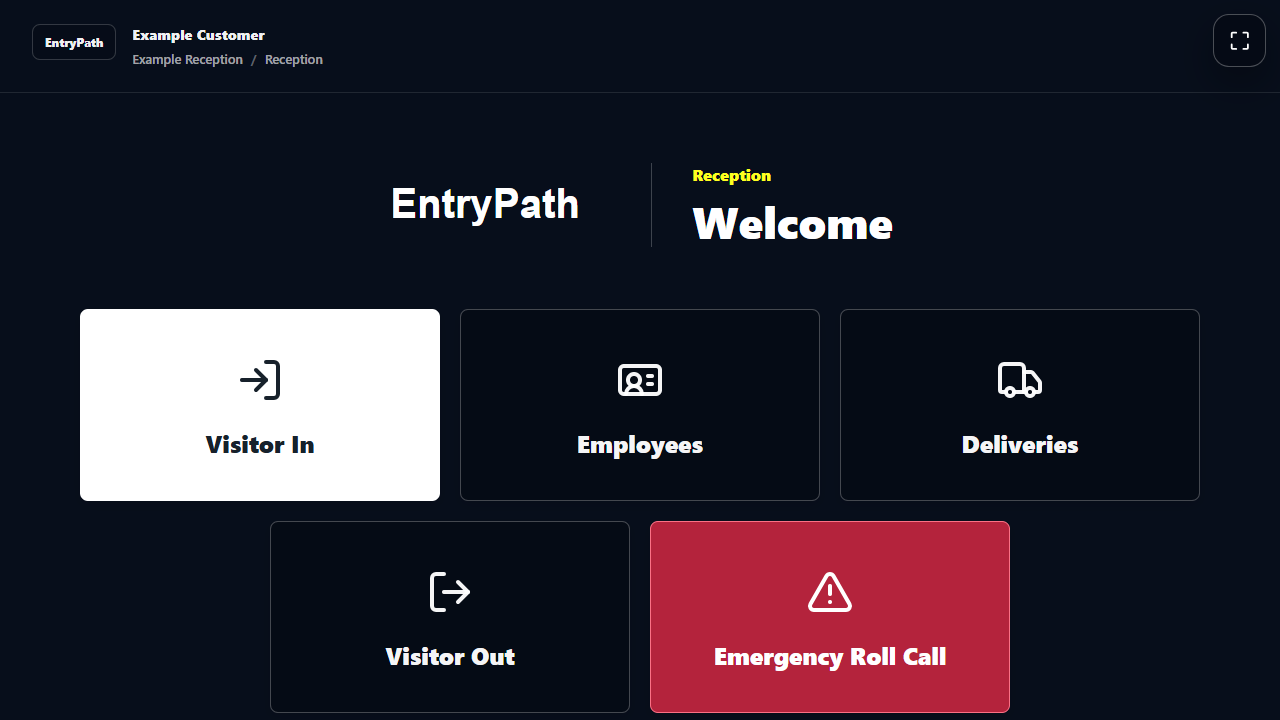
Your name, your colours and a clear choice of sign-in journeys at reception.
Your questions
A closer look.
Do returning visitors have to enter everything again?
Remembered details can be reused and updated during sign-in. Site rules are acknowledged afresh for each visit.
Can we keep the information we collect to a minimum?
Yes. Visitor-category settings let you hide fields you do not need and decide which remaining fields are optional or required.
Can visitors book ahead?
Enable optional pre-booking at the sites that need it. Send invitations through your connected email service, with reception confirming arrival. Walk-in sign-in remains available.
See how EntryPath fits your site.
See the sign-in journeys, attendance views and controls that fit your organisation.