
Multi-site management
Multi-site management
Give central teams a consistent view while letting each site keep the rules, kiosks and visitor experience it needs.
Example journey
Two sites, one morning
- North Office
- Sam Cole signs in at reception. The attendance record belongs to North Office.
- East Depot
- Jo Ellis signs in at the gatehouse. Their arrival appears under East Depot.
- Site filter
- Priya manages both sites. She selects East Depot to see Jo, then switches to North Office to see Sam.
One organisation. Different places to work.
Less friction.
More visibility.
- Multiple assigned sites
- Site-restricted roles
- Local kiosk configuration
- Filtered reports and exports
How it works
Define each site
Give each location its own sign-in points. Keep consistent branding, then adapt the welcome message and sign-in options to each entrance.
Give managers the right remit
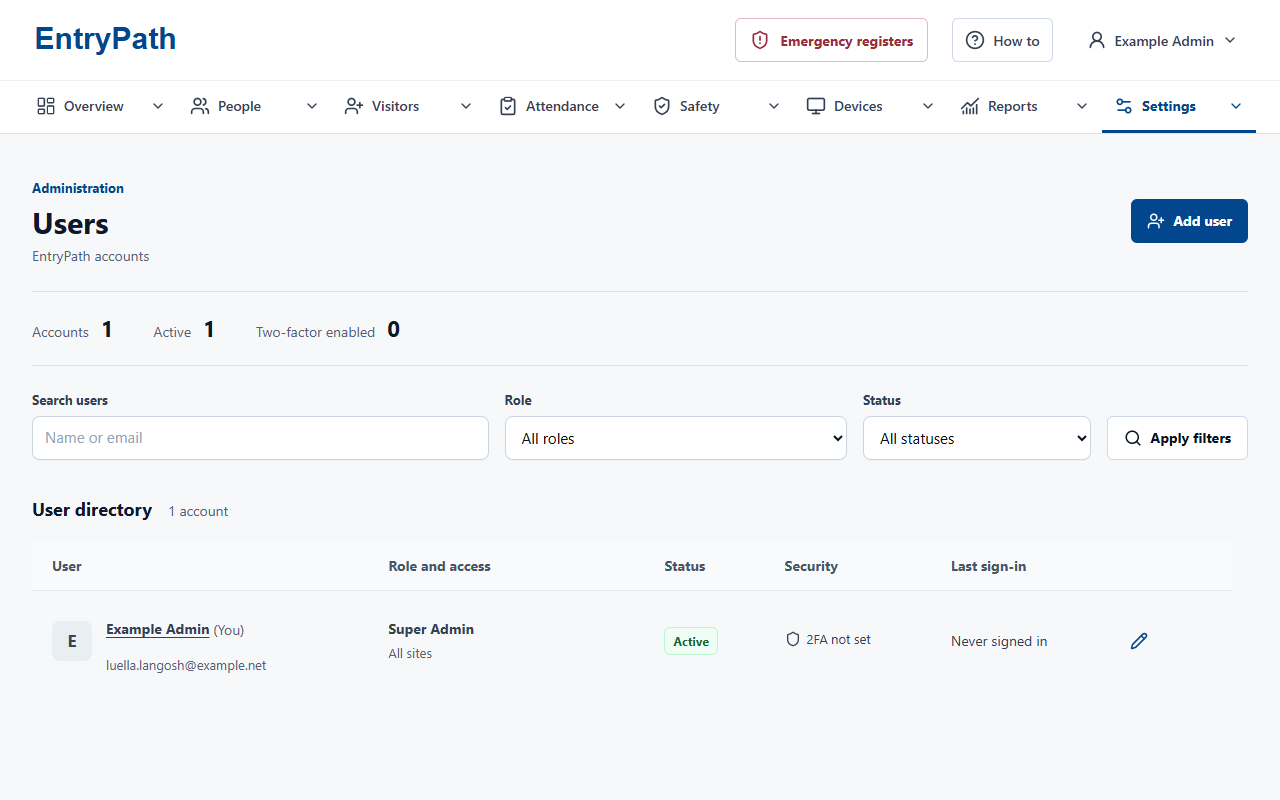
Let managers look after one site or several. Each person sees the locations and records relevant to their role.
Compare the right records
Filter reports by site, group and date. Keep local attendance accessible to the people who need it without opening every site to every account.
Inside EntryPath
Local responsibility. Shared oversight.
Give each team access to the sites and records it needs, from reception to central management.
Your questions
A closer look.
Can a manager cover more than one site?
Yes. Accounts can be assigned to multiple sites, with access determined by their role and assignments.
Can each site have its own sign-in setup?
Yes. Each site can have its own kiosks and local settings, while authorised teams use shared attendance views and reports.
See how EntryPath fits your site.
See the sign-in journeys, attendance views and controls that fit your organisation.