
Implementation guide
A better first week
with digital sign-in
The purchase is one decision. Making sign-in work at the entrance is several smaller ones. Use this rollout plan to organise the people, equipment and handover.
Choose one representative entrance
Start where you can learn something useful: a reception that sees both new and returning visitors, or a depot where staff and contractors arrive throughout the day. The quietest door may be easy to configure but tell you little about the busiest one.
Give one person responsibility for the pilot and name a deputy. Agree what you are trying to improve, such as clearer departures or less repeated typing. Avoid declaring a time-saving target before measuring the current process. The buying checklist can become your acceptance brief.
Prepare before changing the arrival process
Do not import a whole historic address book simply because it exists. Decide which records the new process needs and who will review duplicates. Equipment checks belong at the entrance, with the screen at its normal height and the doors in everyday use.
Rehearse a complete visit
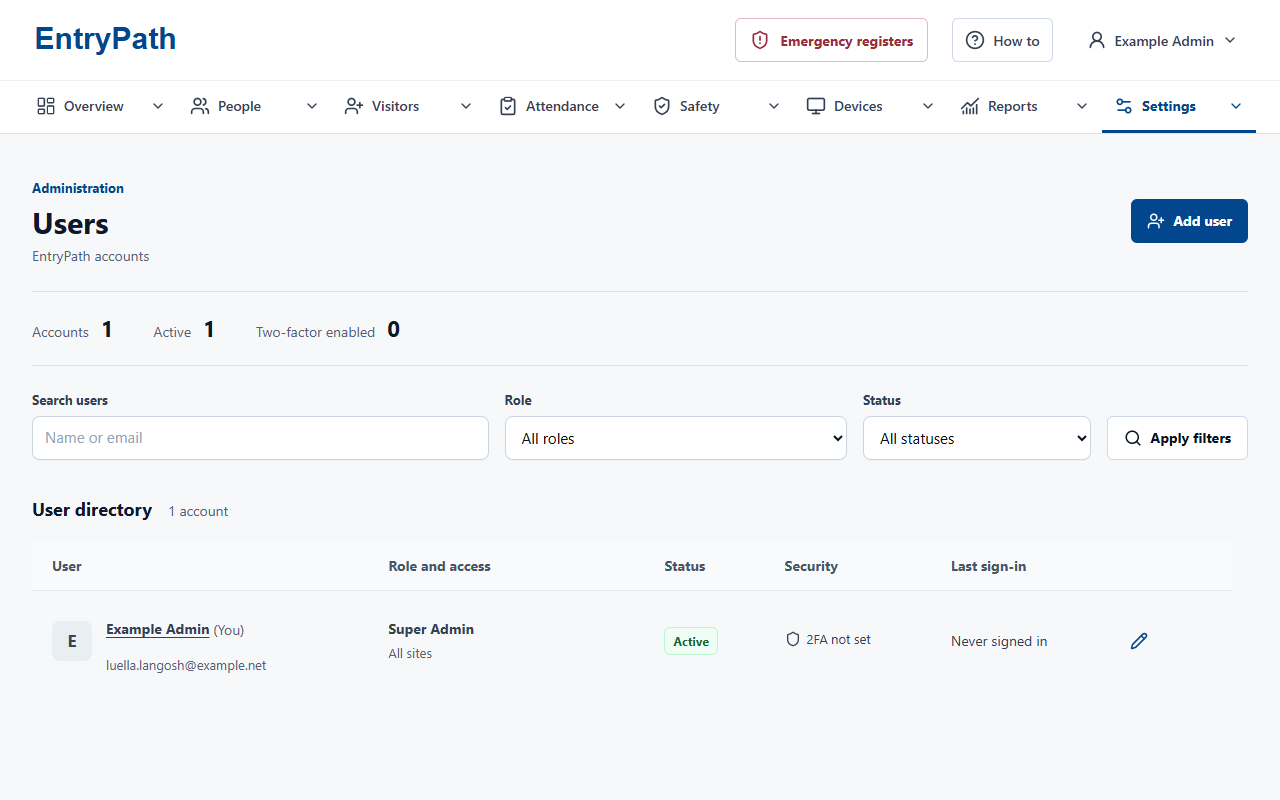
Have a colleague arrive as a new visitor, select the intended journey, complete the necessary details and acknowledge the rules. Another colleague should find them in the authorised on-site view. Then sign out and confirm the record changes.
Repeat with a returning person whose phone number has changed and a person who needs help. For mobile access, include a shared-device handover and a trip between sites. Record what actually happened rather than accepting a successful welcome screen as proof that the whole workflow is ready.
Make the handover practical
A useful handover
At the fictional North Office, the regular receptionist is away on the second morning. Their cover should know where to find the register, how to assist a visitor and who can correct an issue, without using somebody else's administrator login.
Keep a short reference near reception, covering daily checks and the responsible contacts. Staff should practise the actions their permissions allow. Explain the difference between the routine attendance list and a practice emergency roll call; follow the site's emergency procedure for the latter.
Review the first week with evidence
Ask reception about confusing choices, repeated questions and missed departures. Count the exceptions you had to resolve, not just the number of successful sign-ins. Observe a busy period as well as a quiet one.
Change one thing at a time where possible. If a group label causes mistakes, improve that label and check the result. If the queue comes from an awkwardly placed screen, adding another required field will not fix it. Keep the assisted arrival route available throughout the pilot.
Expand only after a clear handover
Before moving to the next location, confirm who owns the configuration, which pilot lessons transfer and which rules are genuinely local. Use the multi-site rollout guide to keep those responsibilities visible.
EntryPath hosting is included in £30 per site monthly or £300 annually paid upfront. Optional assisted setup is based on £199 per site, with a discount on the whole setup total for 2–5 sites. Standard remote assisted setup is free for 10+ sites with annual payment upfront or a 12-month minimum term on monthly billing. The monthly option then automatically becomes 30-day rolling, with 30 days’ notice to cancel. For 6–9 sites, setup is quoted separately, with scope agreed in advance. Separate the recurring subscription from equipment and additional work in your rollout budget.
Keep exploring
A useful next read.
Moving on from the paper visitor book
Keep the useful parts of reception's routine and make repeat visits easier.
Read the guideOne organisation. More than one entrance.
Plan local responsibility, shared oversight and the journey between sites.
Read the guide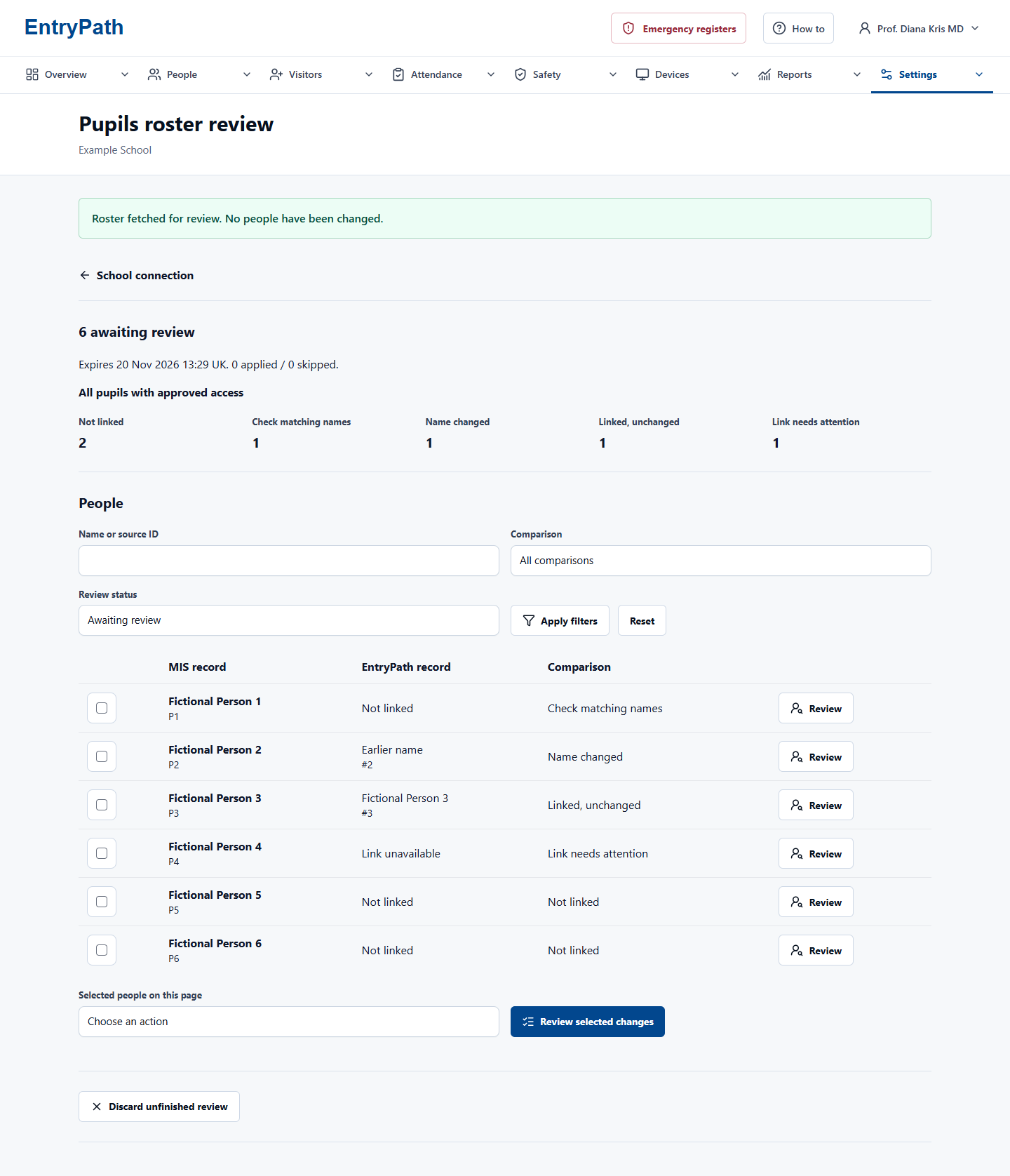
Is reception ready for the new term?
Review changing groups, staff roles, devices and the first busy morning.
Read the guideStart with a workable first site.
Bring your entrance, equipment and handover questions to a demonstration.