
Rollout guide
Planning multi-site
visitor management
Give every location a clear sign-in process without losing local responsibility. Start with entrances, people and permissions, then test the journeys between sites.
Map physical sites and sign-in points
List each office, depot, warehouse or school, the entrances people use and the team responsible for each one. A building may have more than one reception or gatehouse; agree how those entrances map to attendance records and billable sites before configuring the system.
Choose names staff recognise. "East Depot" is more useful than an internal location code when someone is confirming an arrival on a phone. EntryPath's multi-site visitor management keeps attendance associated with the selected location and lets authorised teams filter the records they need.
Decide what is shared and what stays local
Start with common branding and clear group names, then review the differences. A factory's delivery entrance may need vehicle details and yard rules; an office reception may need a host and appointment purpose. Do not copy a long form to every site simply because one location needs it.
Make a short checklist for each entrance: enabled journeys, details requested, current rules, sign-out method, assistance point and responsible manager. Use custom attendance groups where they help people recognise the right journey, rather than creating several labels for the same type of person.
Assign responsibility before sharing reports
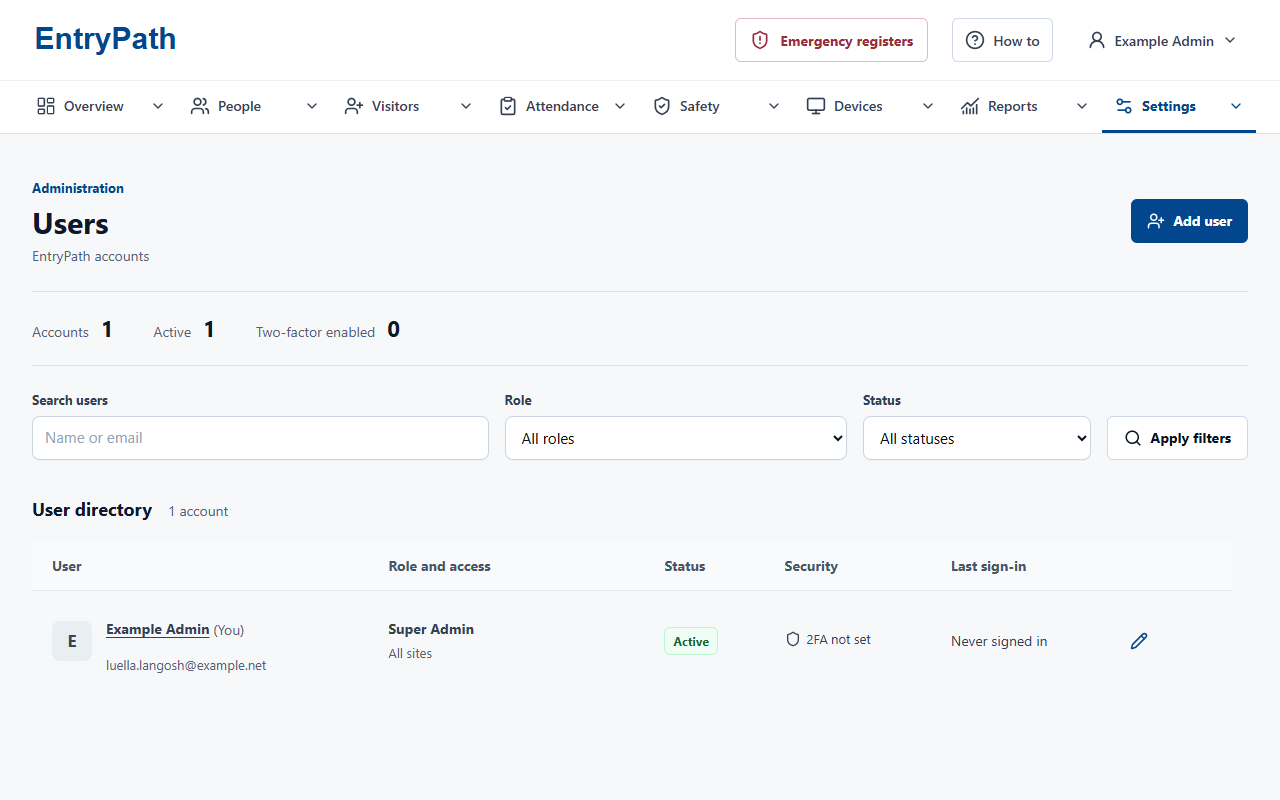
A receptionist at one site does not automatically need access to every location. Identify who manages local people, who can review reports across sites and who coordinates a rollout. Test the resulting accounts rather than relying on an administrator's unrestricted view.
For example, a fictional site manager at North Office should see the records their role permits there. A central operations manager assigned to both North Office and East Depot can review each site. Confirm that changing a site filter does not expose a location outside someone's assignments.
Rehearse a two-site journey
Ask a colleague to test a complete departure and arrival, not just two sign-ins. They leave North Office, confirm sign-out, travel to East Depot and sign in there. Then check the recorded location and status from both authorised site views.
With mobile access, authorised people choose a location and confirm their action on a shared device or personal phone. Opening the page does not record an arrival, and the system does not track GPS. Drivers must use the device only while safely parked. The driver sign-in guide covers shared-tablet handovers and personal devices.
Keep emergency preparation local
A central attendance report is not a replacement for each site's emergency plan. Test the correct site register on authorised devices at the actual assembly points. Include a visiting employee from another location, an outside contractor and someone whose sign-out was missed.
Connected roll-call devices need a working connection to share decisions. A protected saved register is read-only and timestamped; it cannot tell you about later changes while disconnected. Keep an independent fallback and use the emergency mustering checklist with the people responsible at each site.
Budget and roll out in manageable stages
EntryPath costs £30 per site per month or £300 per site per year, paid upfront, with hosting included. Three sites therefore cost £90 monthly or £900 annually for software and hosting, with no separate hosting charge.
Optional assisted setup is based on £199 per site, with a discount on the whole setup total for 2–5 sites. Standard remote assisted setup is free for 10+ sites with annual payment upfront or a 12-month minimum term on monthly billing. The monthly option then automatically becomes 30-day rolling, with 30 days’ notice to cancel. For 6–9 sites, setup is quoted separately. We agree the rollout scope before work starts. Equipment and additional services are separate. Review the cost guide and pricing options against your site list.
Start at one representative location, check a normal working day and an emergency drill, then apply the lessons to the next site. Keep an owner and a handover checklist for each location so the process still works when the person who configured it is away.
Keep exploring
A useful next read.
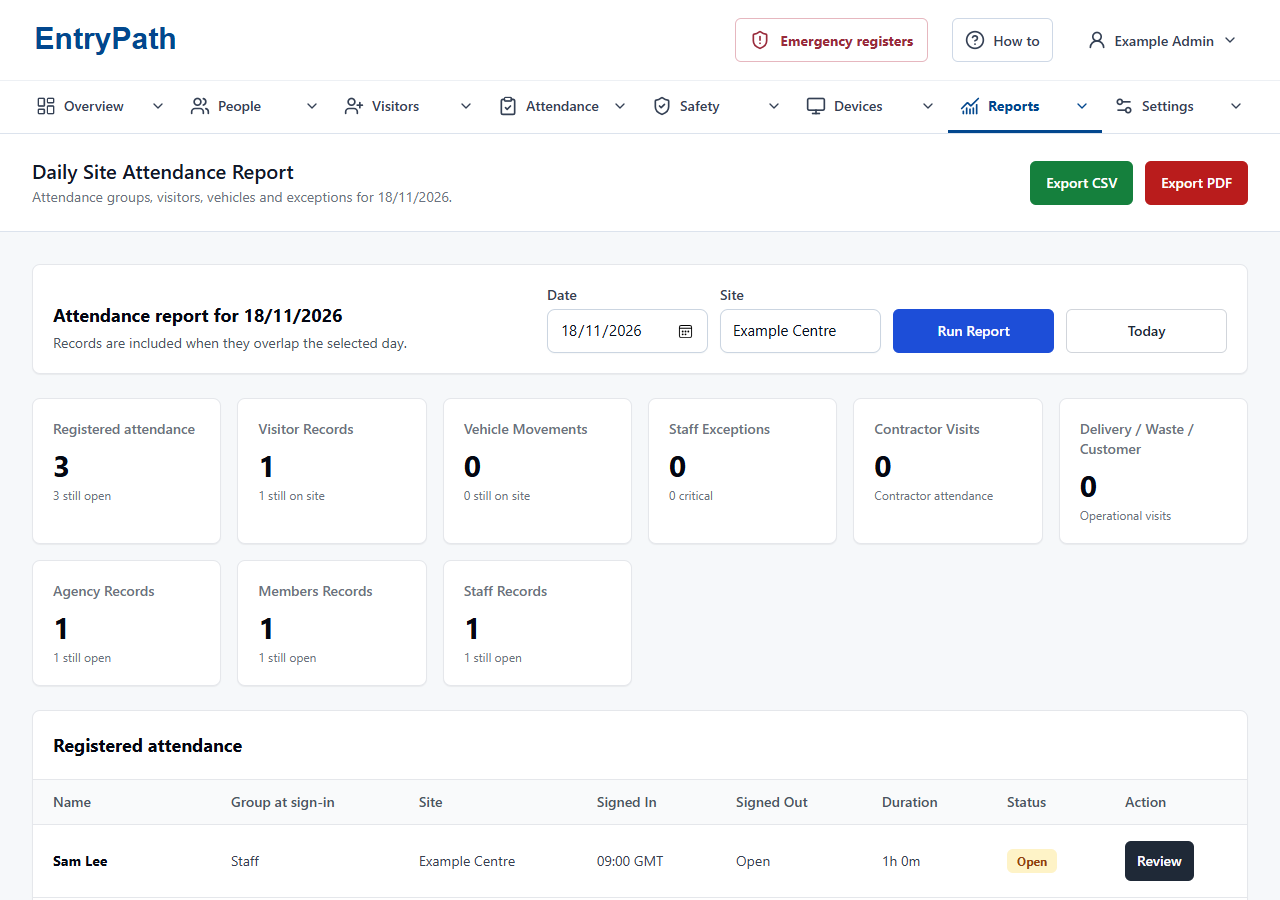
Who is actually in the office today?
Keep expected attendance, recorded site activity and working time distinct.
Read the guide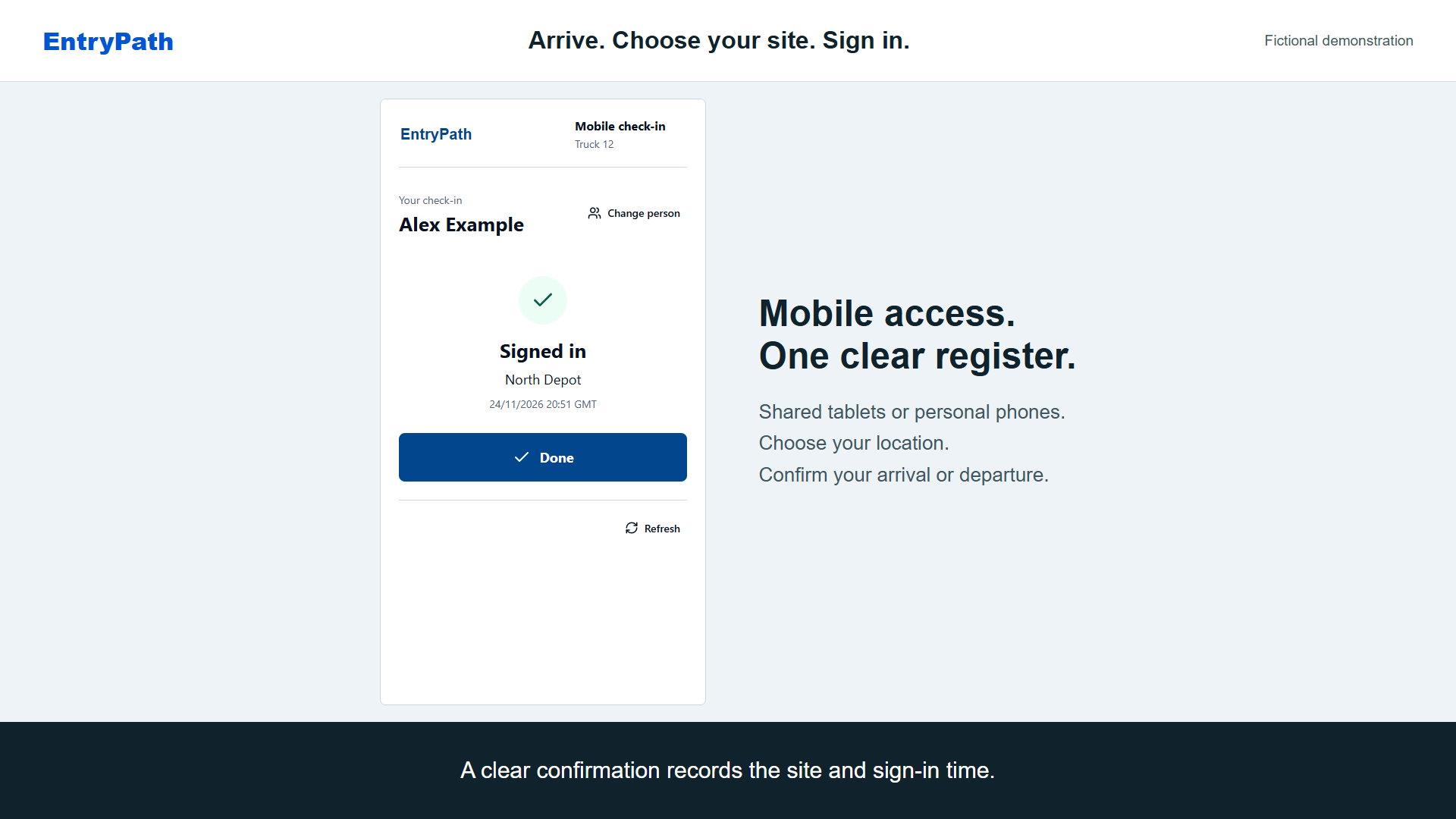
Driver sign-in: tablets or personal phones?
Compare shared-device handovers and personal access for travelling teams.
Read the guideA better first week with digital sign-in
A step-by-step pilot, reception handover and first-week review for a workable rollout.
Read the guidePlan the right setup for every location.
Bring your site list, entrances and travelling teams to a multi-site demonstration.