
Workplace operations
Who is actually
in the office today?
A rota says who is expected. A sign-in register records arrivals and departures. Keep those two questions separate in a flexible workplace.
Separate plans from recorded presence
Sam Example planned to work at the fictional North Office, but starts at another site. Their desk booking and calendar have not changed. A colleague looking only at the plan could assume Sam is still expected at North Office.
Use a staff sign-in process for the recorded site visit. It does not prove continuous physical presence, but it gives reception a different and useful source of information. Explain what the record means before using it for reports or emergency preparation.
Choose a routine staff can repeat
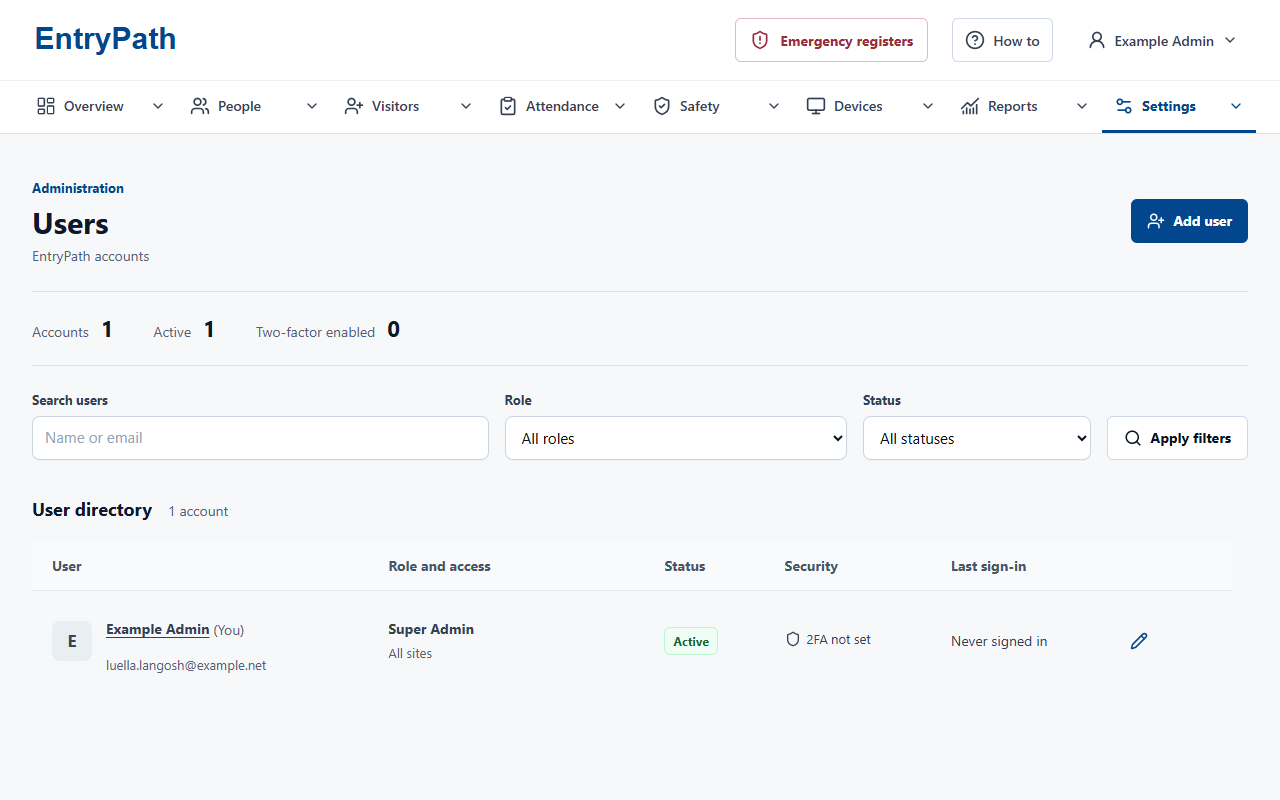
Map normal entry points, lunch departures, off-site meetings and visits to another office. Decide whether each group uses a reception kiosk or authorised mobile access. Keep the action clear: choose the site, sign in, and sign out when leaving.
Do not assume somebody can or wants to use a personal phone. Provide an agreed alternative and make the process accessible to reception cover, agency teams and visiting employees. A short routine used consistently is more valuable than several options nobody understands.
Do not turn attendance into an untested timesheet
Expected attendance
A schedule or booking describes the plan. It may change without an arrival being recorded.
Site sign-in
A recorded event associates a person with a site and time. Missed actions need review.
Working time
Pay, breaks and remote work require their own agreed records and rules. Being signed in is not the same as hours worked.
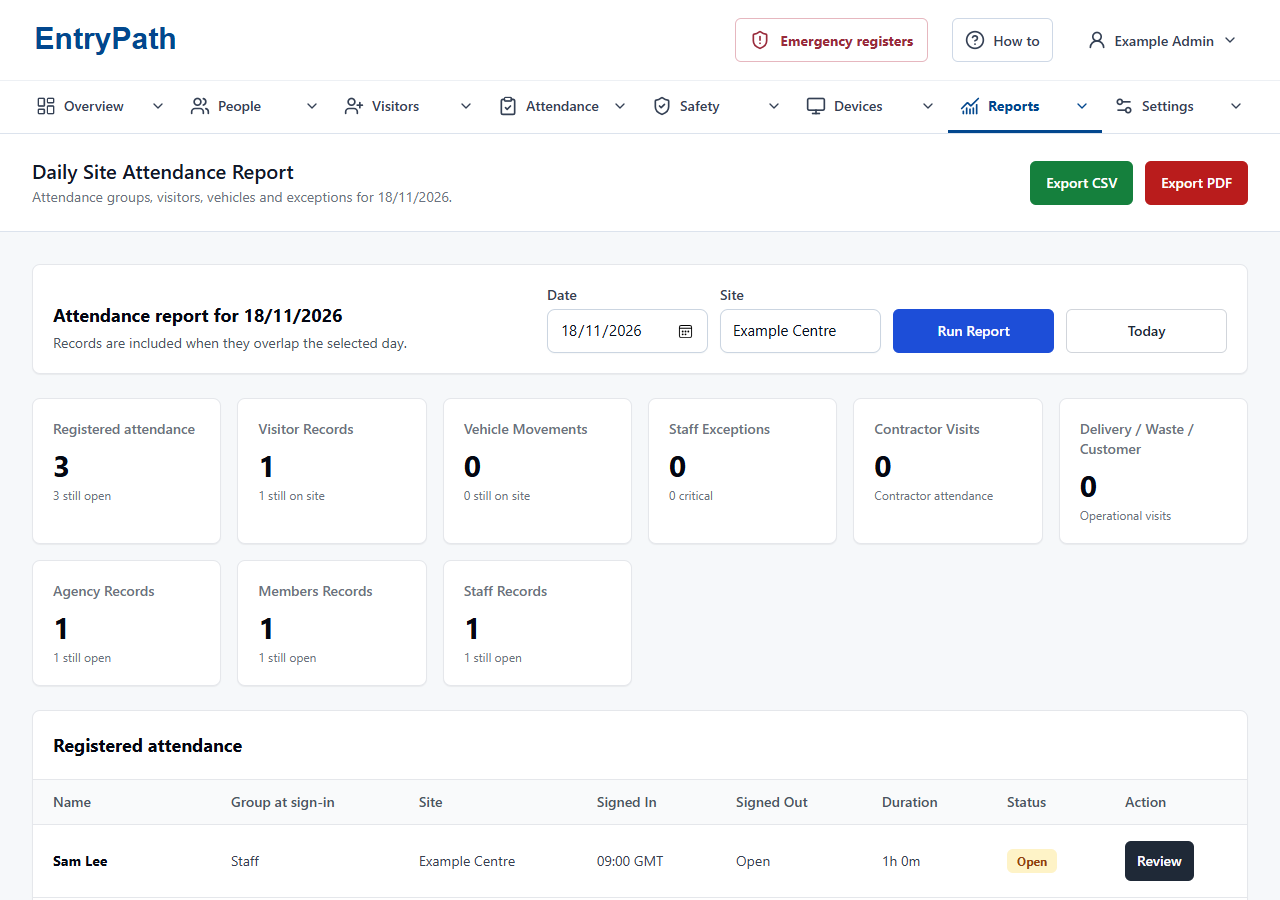
EntryPath's attendance reports help review recorded activity. Do not present them as a payroll calculation or productivity score. Agree who can see the reports and the purpose for which they are used.
Give exceptions a clear owner
A forgotten sign-out should prompt review, not a guess. Establish who checks it and how the team records the known facts. The same applies when someone selects the wrong site or a shared device was left on the previous person.
Look for a pattern before changing the process. Repeated missed departures at one entrance may point to poor signage or a device placed on the wrong side of the normal exit route. Ask staff to show the awkward part rather than simply repeating the instruction.
Test an ordinary, mixed-attendance day
During a planned drill, include someone visiting from another office, a contractor and a staff member whose expected work location changed. Check which people appear in the relevant site register and how authorised colleagues account for them.
Use the site's emergency procedure and an independent fallback. A recorded sign-in is a starting point for checking, not confirmation that somebody has reached safety. The mustering guide helps frame the software part of the rehearsal.
Review clarity, not just adoption
Bring the difficult cases to a demo. For offices sharing people and responsibilities, read the multi-site guide before copying the same setup everywhere.
Keep exploring
A useful next read.
One organisation. More than one entrance.
Plan local responsibility, shared oversight and the journey between sites.
Read the guide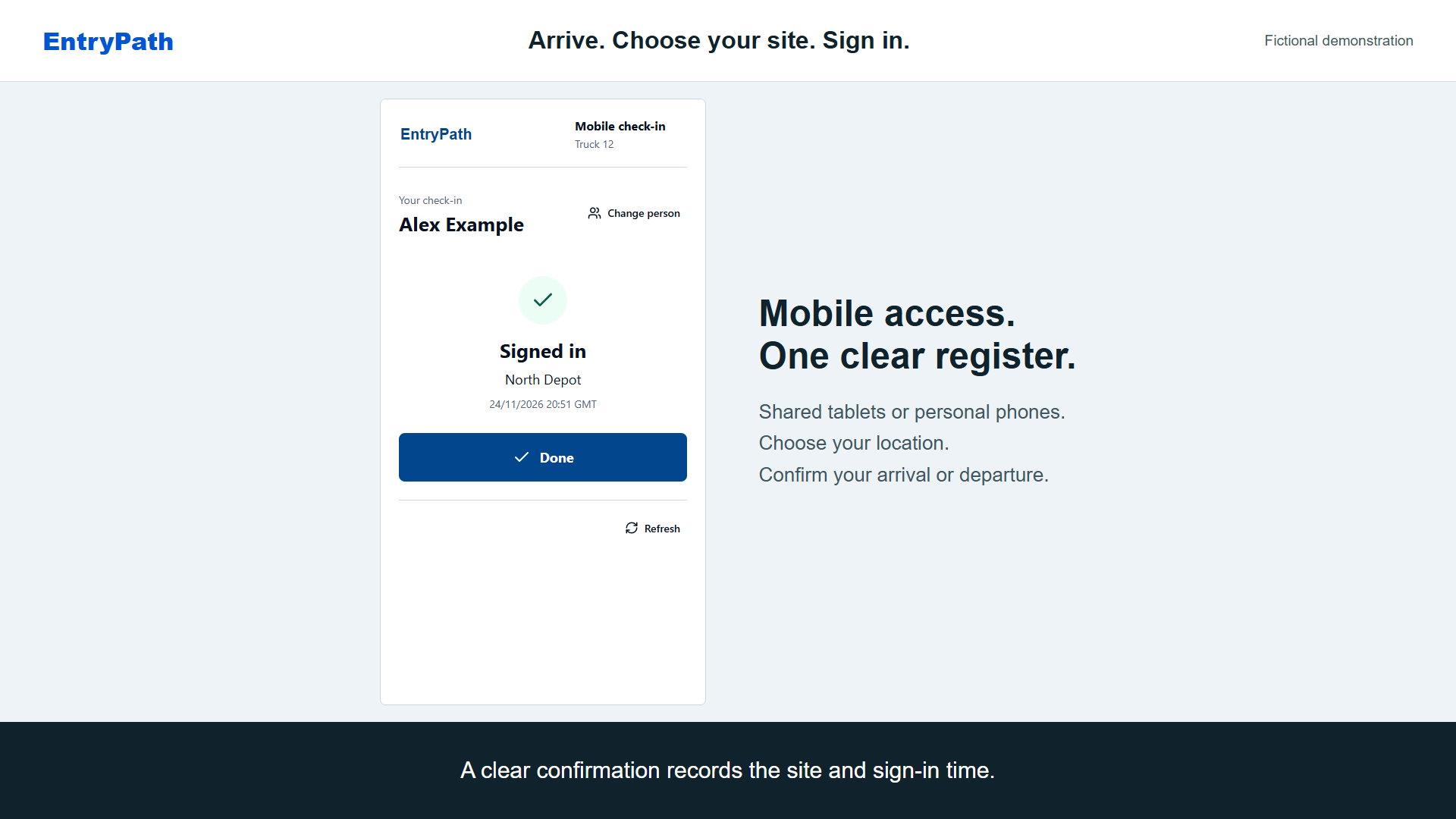
Kiosk or mobile? Choose around the journey.
Compare reception screens, shared tablets and personal phones for the people who use your site.
Read the guide
Emergency mustering: beyond a headcount
A practical register rehearsal for people, locations and connected decisions.
Read the guideA clearer view of the working day.
See staff sign-in and the on-site register for your locations.