
School reception
A clear welcome
for supply staff
A supply teacher may be new to the school but expected in a classroom shortly. Make the arrival clear without confusing a sign-in record with the school's checks.
Expected does not always mean familiar
Alex Example arrives to cover a class at a fictional primary school. The office knows the booking, but Alex has not used the entrance before. The screen offers Staff, Visitor and Contractor. Which one should they choose, and who should they ask?
A recognisable group name and a clear reception handover prevent that uncertainty from becoming a repeated interruption. Start by deciding how your school distinguishes employees, supply staff, visiting specialists and contractors. Keep those labels understandable to the person arriving.
Keep the welcome and the checks connected
Sign-in records an arrival; it does not establish that the school's recruitment, identity or safeguarding checks have been completed. The responsible school team must follow its own current procedures. Avoid labels such as "approved" unless your actual process supports that meaning.
Tell the arriving person whom to report to and what happens next. If a badge is used, agree what it communicates and whether staff can distinguish somebody waiting for reception from somebody already directed onwards. Check any proposed badge equipment before relying on it.
Make the second visit easier
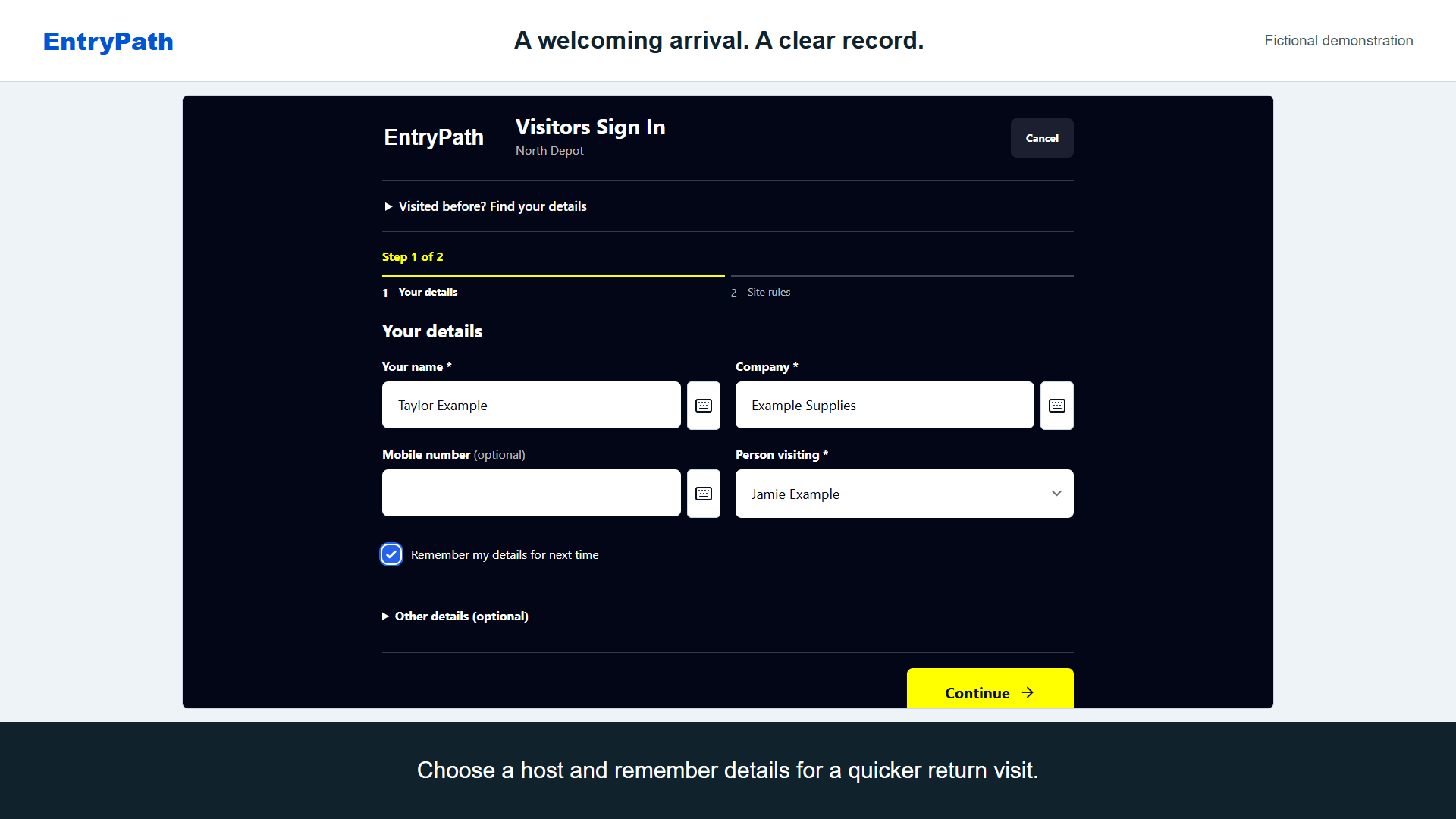
A regular supply teacher should not need to create a fresh identity every morning. Check whether your chosen group uses an existing person record or a remembered visitor journey. These are different workflows; demonstrate the one the school intends to use.
For remembered visitors, EntryPath can reuse details for review while requiring acknowledgement of the current rules. A familiar name is not a reason to skip the school's checks. Changed contact details, a new employer or a similar name should be handled deliberately rather than creating duplicates.
Plan lunch, departures and changing assignments
Try this in a demo
Alex leaves at lunchtime and returns for the afternoon. A second supply colleague has the same first name. Ask reception to find the right record and show the current site status for each person.
Decide how temporary staff record leaving and returning, and how they obtain help if they cannot use the normal method. Do not assume a full-day booking means somebody remains on site for every minute of it. Your staff sign-in process should reflect the actual recorded movements.
Check inclusion in the emergency picture
During a planned drill, include temporary staff who are not present in the permanent employee list. Confirm the relevant site and group, then let the authorised team account for each person using the school's emergency procedure.
A school MIS roster and reception activity can provide different parts of the picture. Neither is a substitute for a confirmation during the event. Use the MIS guide to agree those boundaries and the school roll-call checklist to rehearse them.
Leave a usable reception handover
Bring these decisions to a school sign-in demo. The aim is a quicker, clearer welcome with responsibilities still visible, not a shortcut around the school's procedures.
Keep exploring
A useful next read.
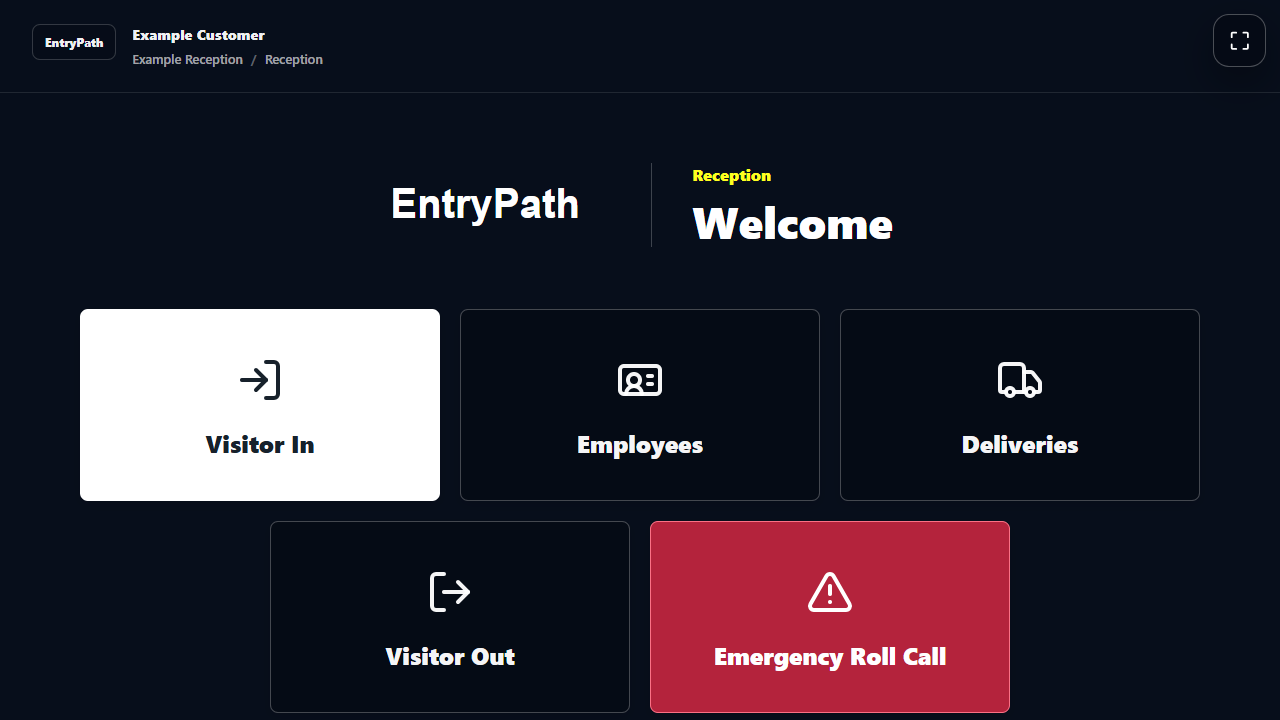
The school reception sign-in checklist
Prepare groups, permissions, assistance and handovers before changing the welcome screen.
Read the guide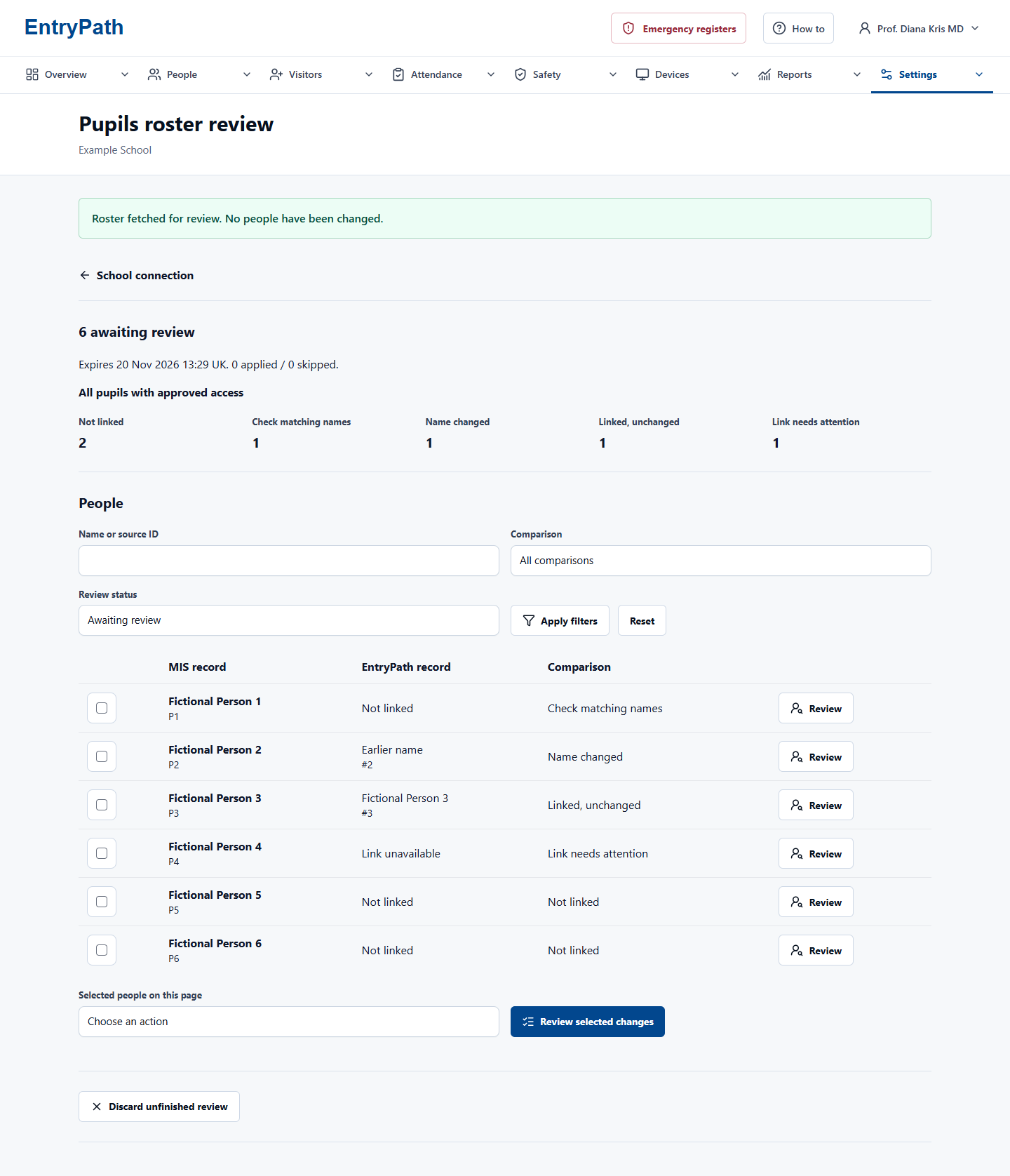
Is reception ready for the new term?
Review changing groups, staff roles, devices and the first busy morning.
Read the guide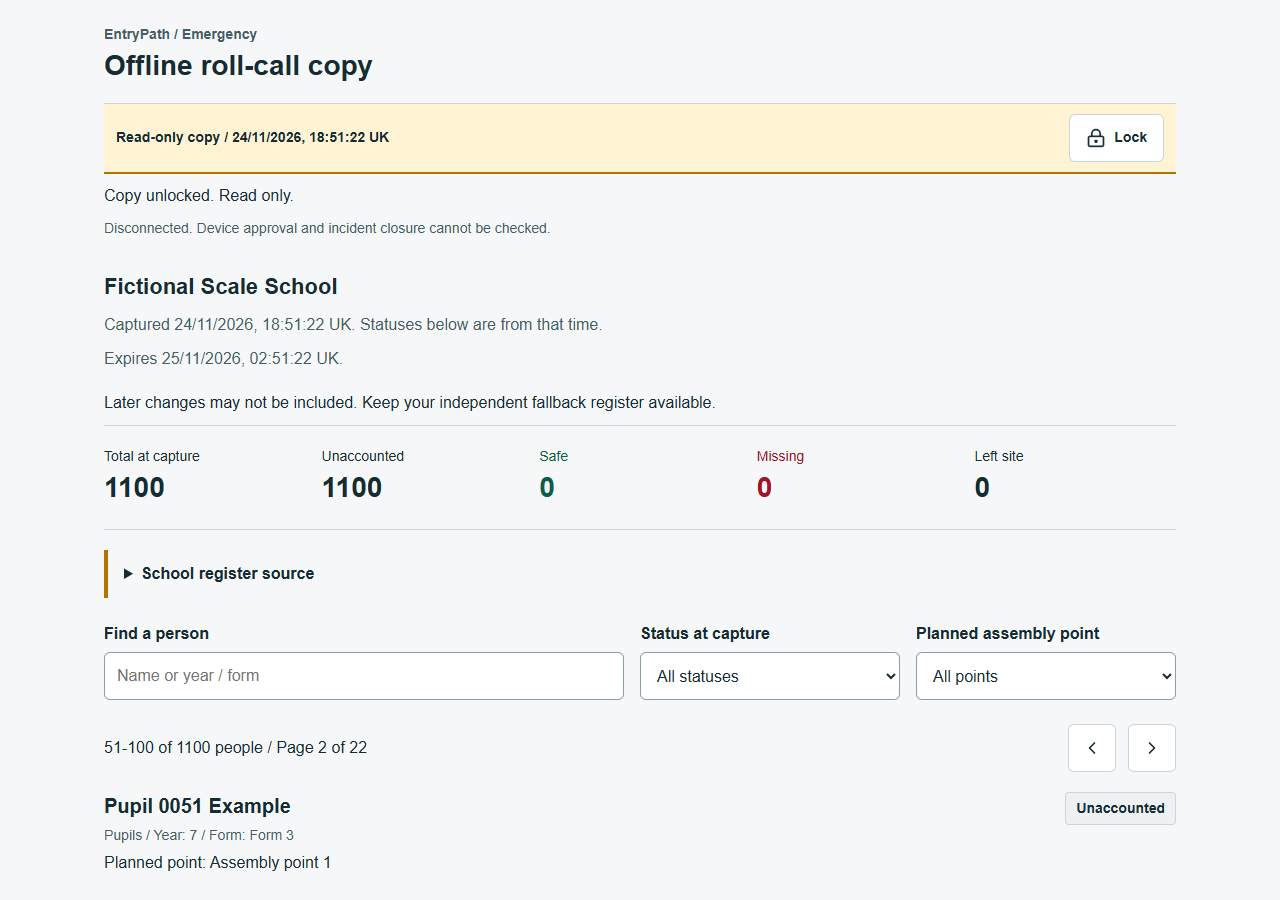
The school evacuation roll-call checklist
Rehearse school-session data, missing names, different points and connection loss.
Read the guideA welcome that fits your school.
Compare staff, supply and visitor journeys with your reception team.