
School integration guide
MIS attendance and
school sign-in
A class register, a reception arrival and an emergency confirmation answer different questions. Understand how they fit together before connecting your school MIS.
Three records, three different questions
- School-session attendance: what has been recorded in your MIS for the relevant session?
- Reception sign-in: what arrival or departure has been recorded at your site?
- Emergency roll call: who has an authorised person actually accounted for during this event?
None is a substitute for the other two. A pupil on the school roll may be absent today. A visitor who signed in at 09:00 still needs checking during an evacuation. A pupil marked present for a session may later leave through the office. Keep the source and timing of each record visible.
Where Wonde fits
EntryPath uses Wonde to read information your school has approved from its MIS. This can support pupil and staff roster review, year and form groups, and school-session attendance for linked pupils where the required data is available.
Access is not the same for every school or data field. Wonde's documentation explains that available information depends on permissions for the school and connection. Tell us whether you use SIMS, Arbor, Bromcom or another MIS so we can confirm the available data and workflow before setup. See the EntryPath school MIS connection for the supported approach.
Follow a fictional school morning
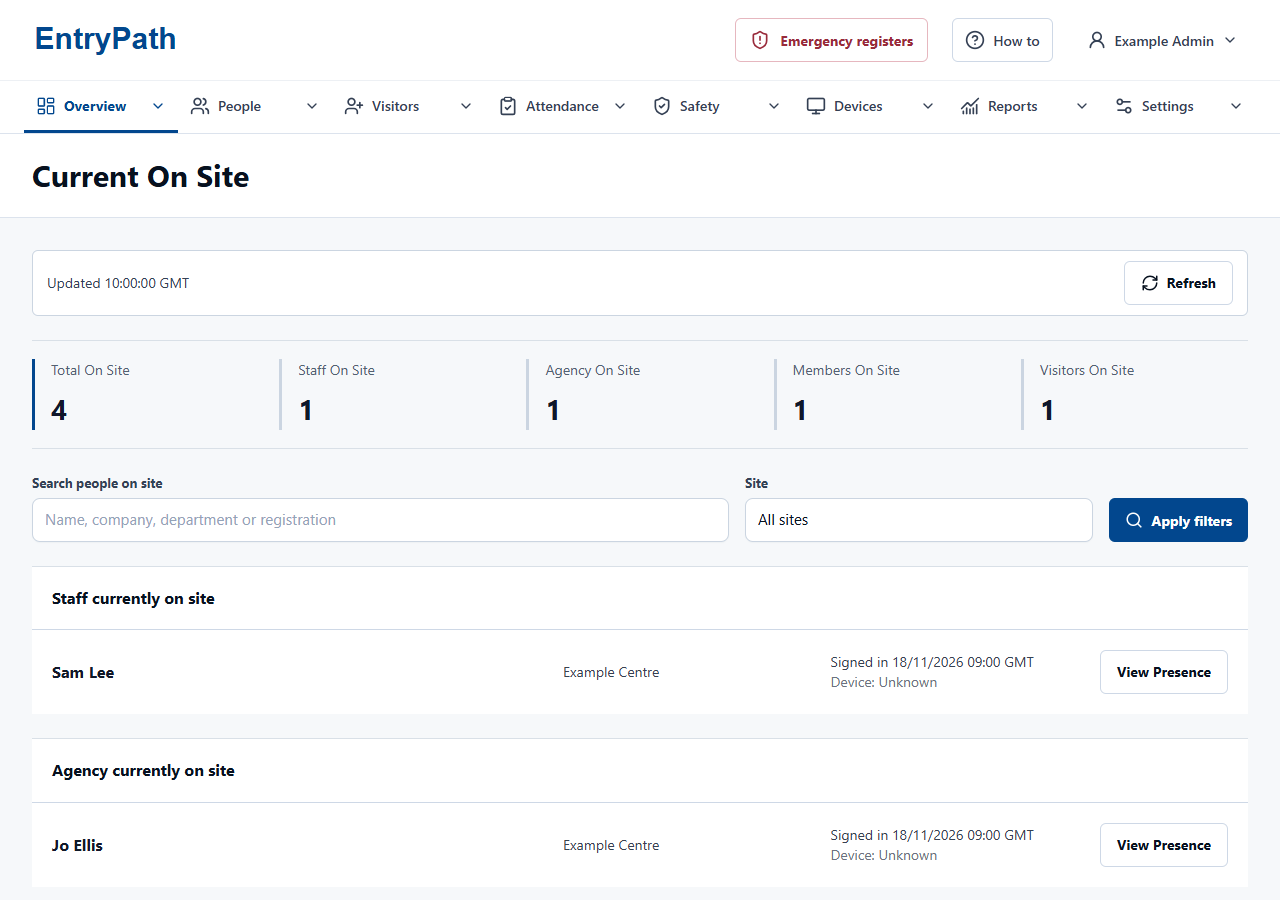
Imagine Maya Example is recorded absent at morning registration, then arrives at reception at 09:18. Her later sign-in gives the office another piece of information. It does not silently correct the statutory attendance mark: the school continues its normal correction process in the MIS.
At a 10:30 practice evacuation, staff need to check Maya rather than assume the earlier absence means she cannot be on site. They also need to account for a visiting engineer who does not appear in a pupil register. At the assembly point, an authorised colleague records the actual confirmation.
This is why a useful emergency register brings together recorded site activity and approved school information while making uncertainties visible. It supports your trained team's decisions; it cannot establish someone's physical location by itself.
Review the roster before importing
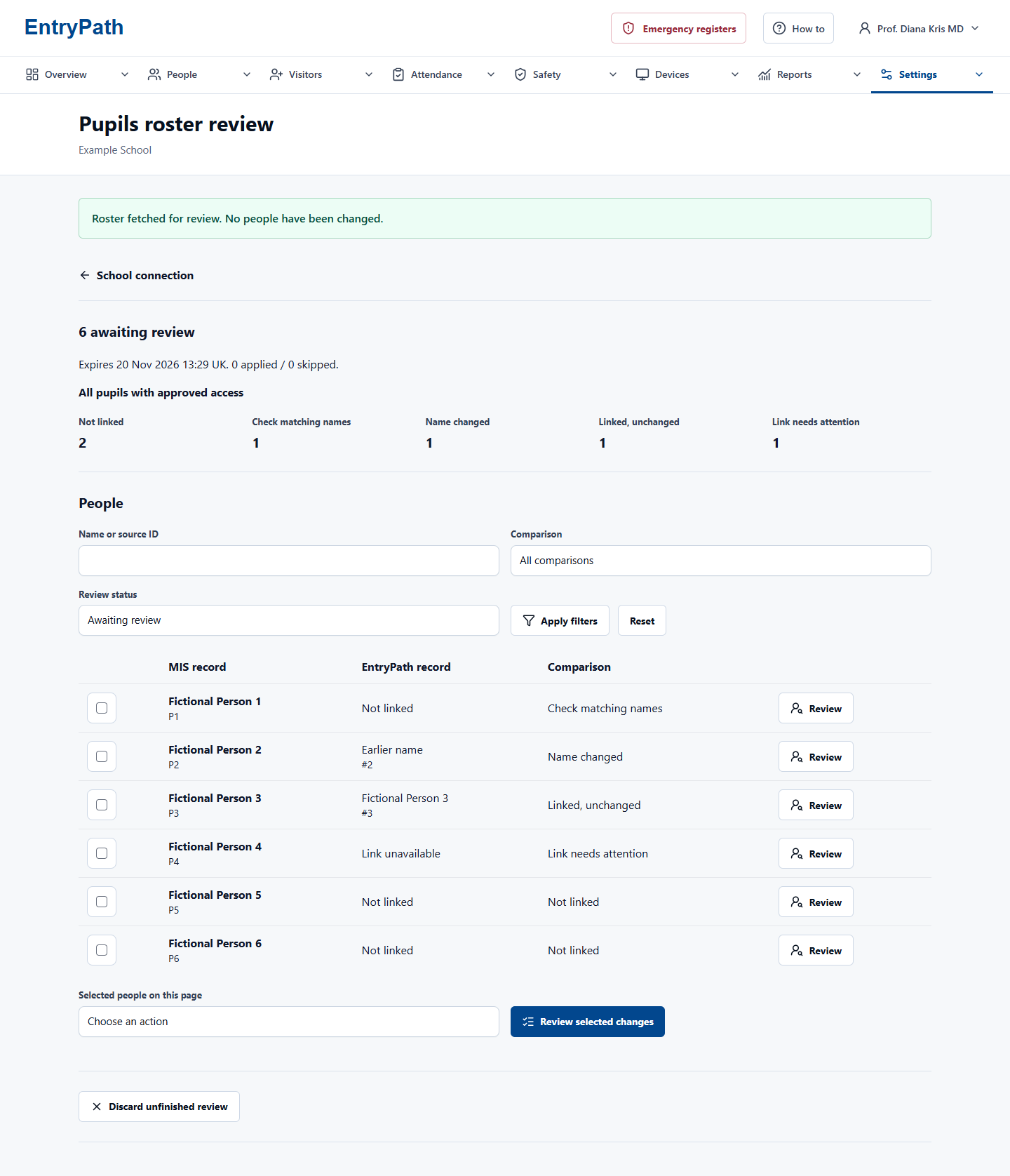
Choose the site and destination group, then review the available pupils or staff. Where approved data provides year and form groups, use those to select the people relevant to your workflow. Check existing records and possible duplicates before creating anyone new.
Names alone are not a reliable way to identify a person: two pupils may share a name, and names can change. EntryPath supports reviewing links to existing people and proposed changes. Scheduled checks can notify a nominated reviewer; they do not automatically add people, rename them or remove leavers.
Check date, session and freshness
Before a drill, confirm the school, date and session, the time of the latest successful attendance refresh and any records needing review. An old mark, missing permission or unavailable connection must not be interpreted as proof that somebody is absent or safe.
Test an afternoon session as well as the morning. Include late arrivals and people leaving during the day. Check that staff can distinguish school information from confirmations made during the emergency. Use the school roll-call checklist to rehearse these situations and your independent fallback.
Agree the boundaries before connecting
EntryPath's MIS connection is read-only: it does not write attendance marks back or replace your statutory attendance process. School approval, available fields and any provider charges are confirmed for the connection you need. Request only the information needed for that purpose.
For a first conversation, share the MIS name, number of sites and the journeys you want to improve, not pupil records. The school sign-in overview and buying guide help your office, IT and attendance teams agree the brief.
Keep exploring
A useful next read.
Late arrivals. Early departures. Clearer records.
Plan the office handover when the school day changes after registration.
Read the guideIs reception ready for the new term?
Review changing groups, staff roles, devices and the first busy morning.
Read the guide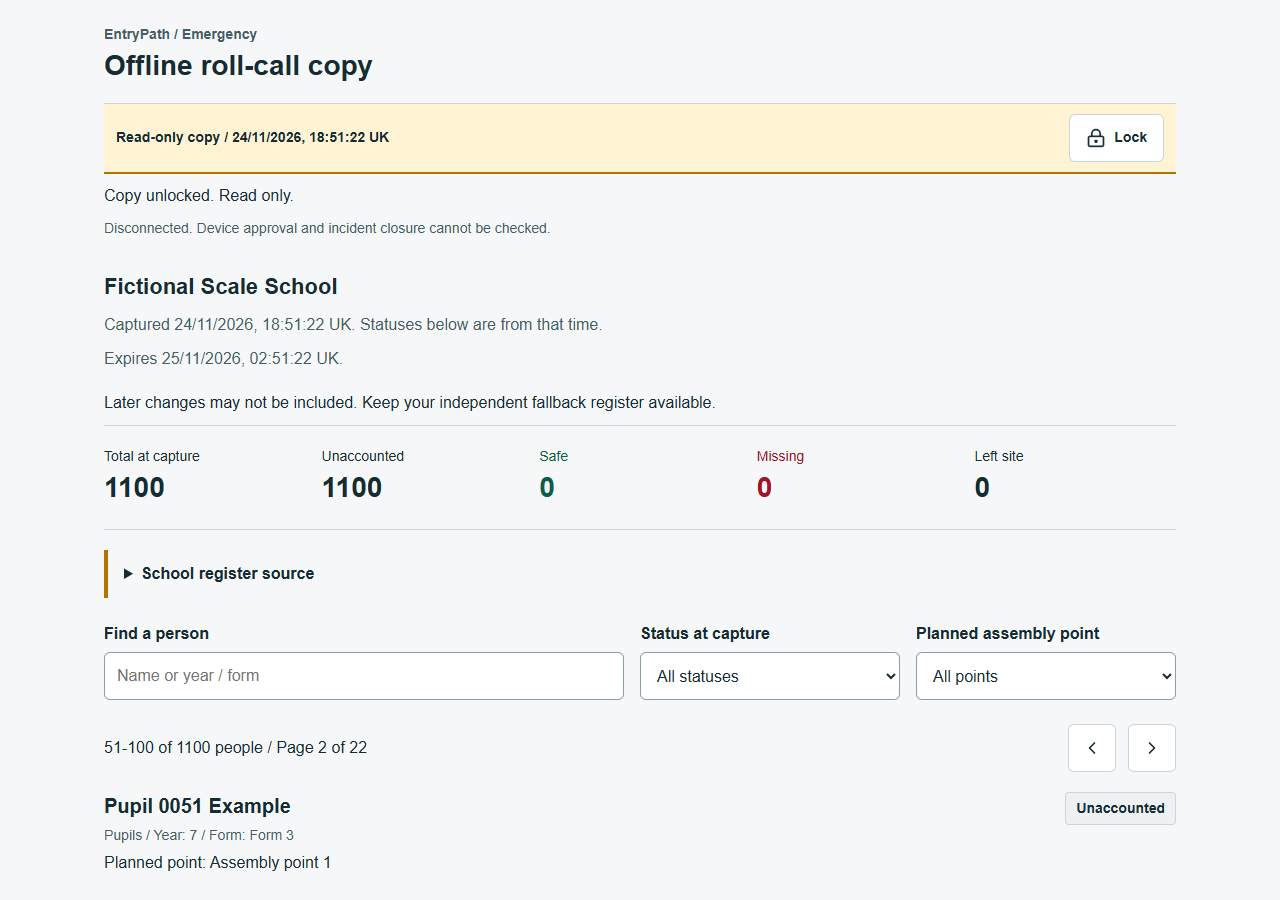
The school evacuation roll-call checklist
Rehearse school-session data, missing names, different points and connection loss.
Read the guideSee how the school records fit together.
Explore a roster review, a late arrival and a practice roll call with fictional pupils.